
InputConfig: Controller to Keyboard and Mouse for Mac
Map any game controller to keyboard and mouse on macOS. Plug in your controller, pick a preset, and go, or build your own from scratch. Free, open source, and no drivers needed.

Why it exists
A keyboard and mouse assume a certain pair of hands. A game controller does not. Controllers are ergonomic, one-handed if they need to be, and the adaptive controller ecosystem around them is the most mature accessible input hardware you can buy. InputConfig turns any of them into a full keyboard and mouse for your Mac.
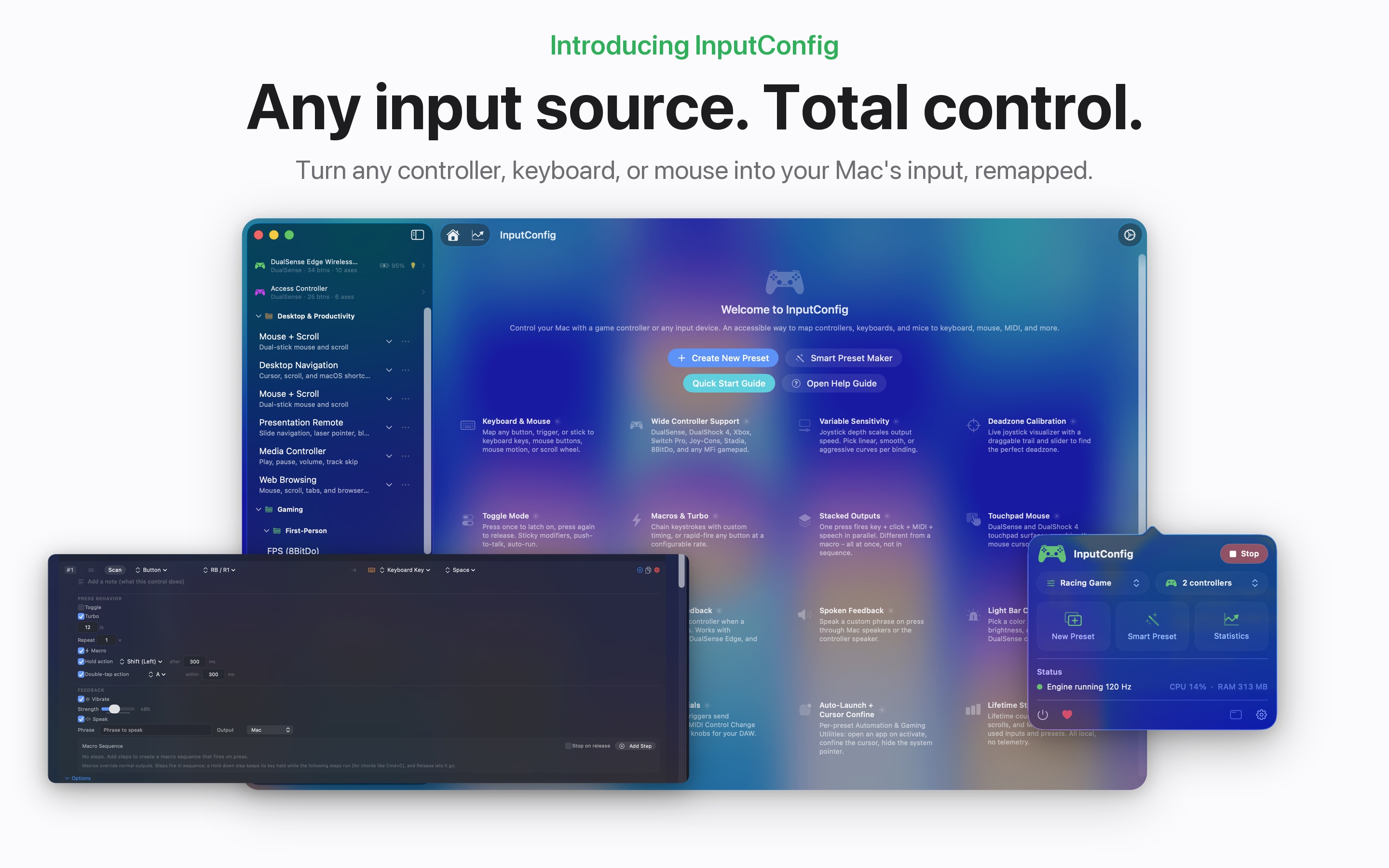
It works with the PlayStation Access Controller, DualSense (PS5), DualSense Edge, DualShock 4 (PS4), Xbox Wireless, Nintendo Switch Pro, 8BitDo, and any MFi or HID-compatible gamepad, with no drivers. Your Mac keyboard, mouse, and trackpad can be inputs too, including Force Touch pressure.
See it in action
One controller, one preset, and the whole Mac opens up. Real setups you can build in a few minutes.
One-handed desktop
You say
“Left stick moves the cursor, R2 clicks, L2 right-clicks, the D-pad arrows through menus”
What you get
Full mouse and keyboard control from one hand, with no keyboard on the desk at all.
Three actions, one button
You say
“Tap Square to copy, hold Square to paste, double tap Square to undo”
What you get
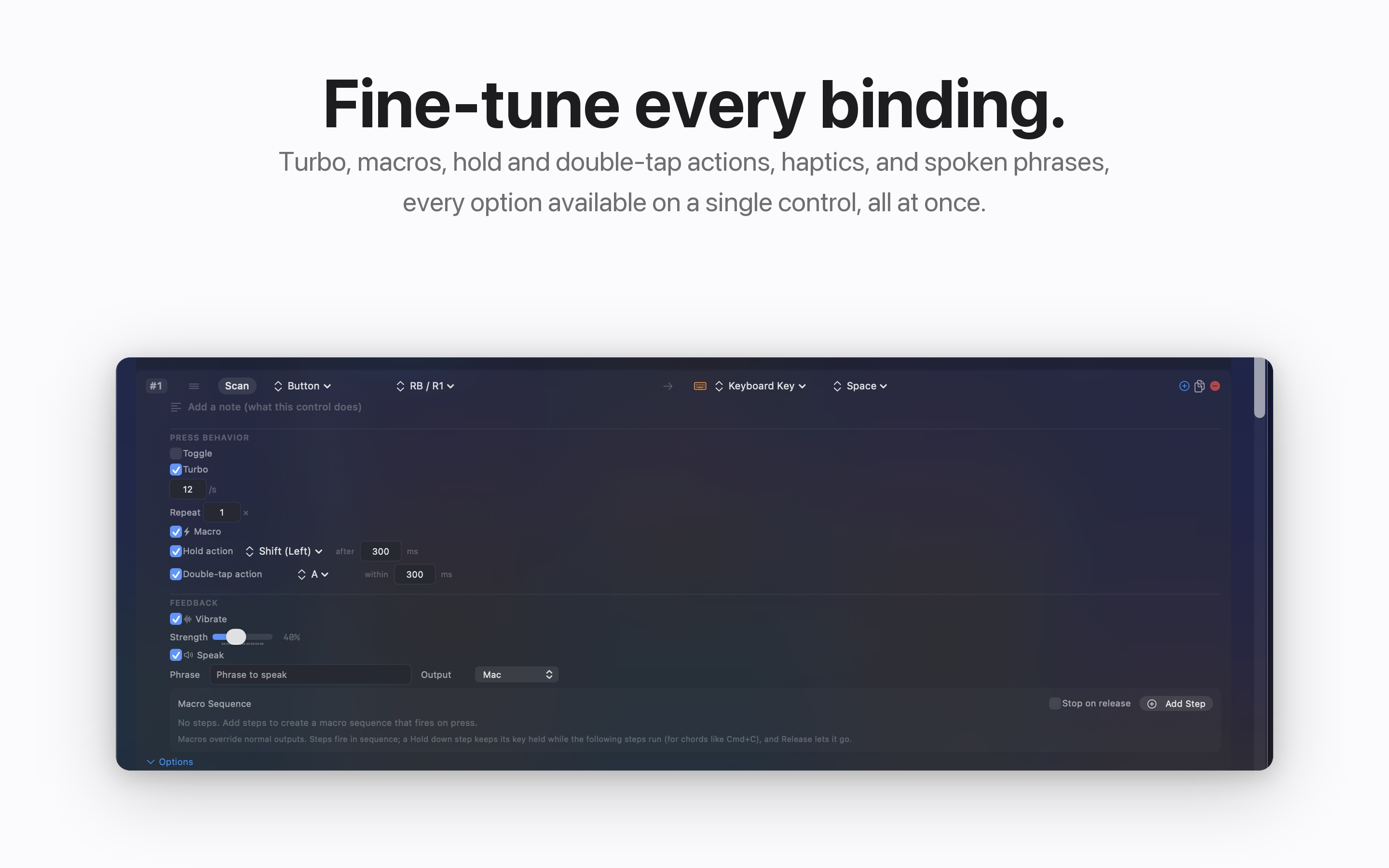
Tap, hold, and double tap each fire their own binding, so a few reachable buttons cover a whole shortcut set.
A whole phrase from one press
You say
“Press Triangle”
What you get
InputConfig types your full email signature, address, or any saved phrase in a single press.
Tuned to your range of motion
You say
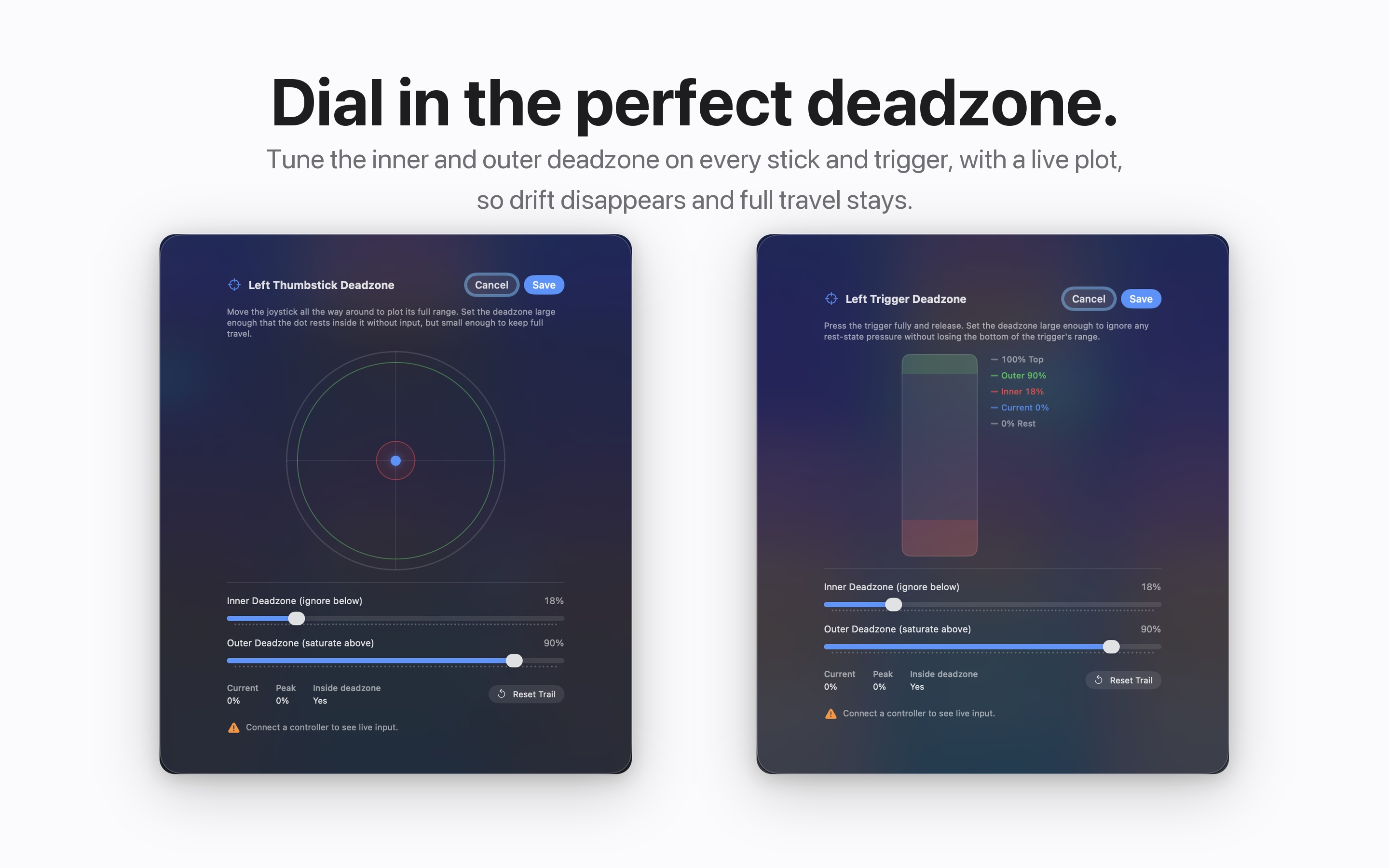
“Open deadzone calibration and drag the sliders while watching your real stick input on the live plot”
What you get
A stick that only travels a little, or travels shakily, still moves the cursor smoothly. The controller adapts to your body, not the other way around.
Presets that follow you
You say
“Focus your browser, then your text editor”
What you get
InputConfig switches presets per app, so the same buttons always do the right thing for whatever is in front of you.
Everything it does
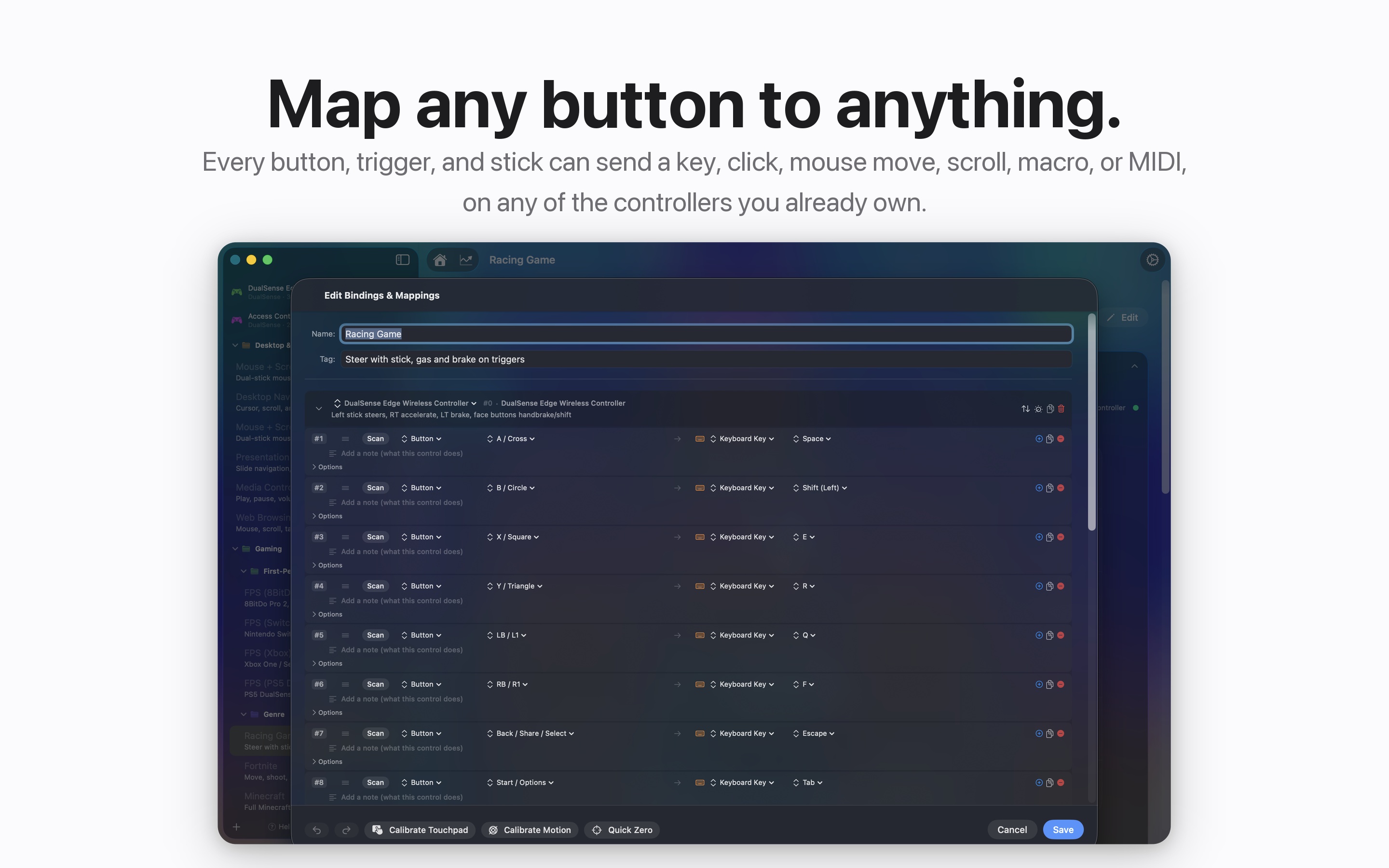
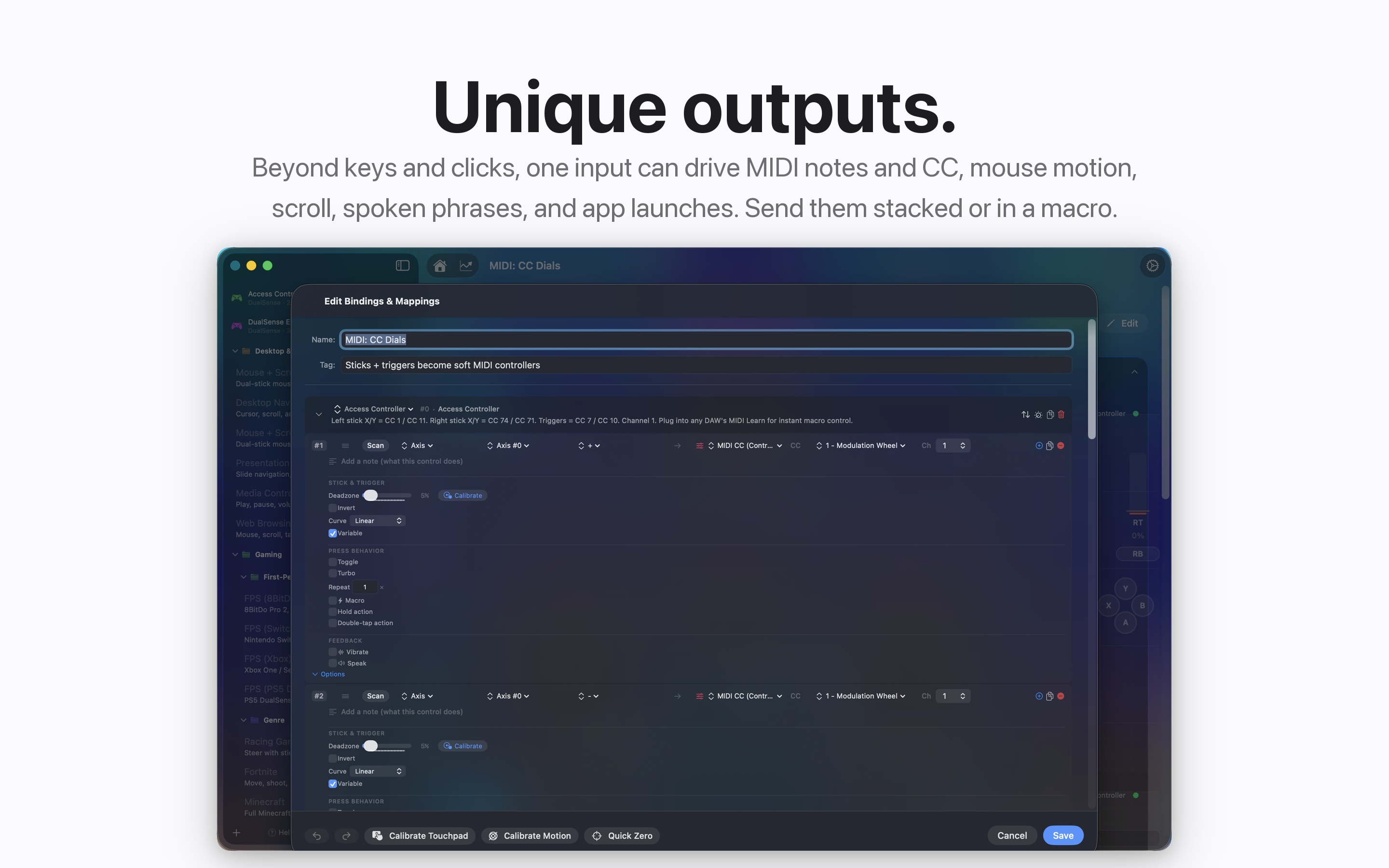
- Map anything to anything. Buttons, triggers, sticks, and D-pad become keys, mouse movement, clicks, scrolling, typed phrases, or MIDI.
- Hundreds of built-in presets, including presets for adaptive controllers, desktop navigation, web browsing, media control, games, and Mac apps.
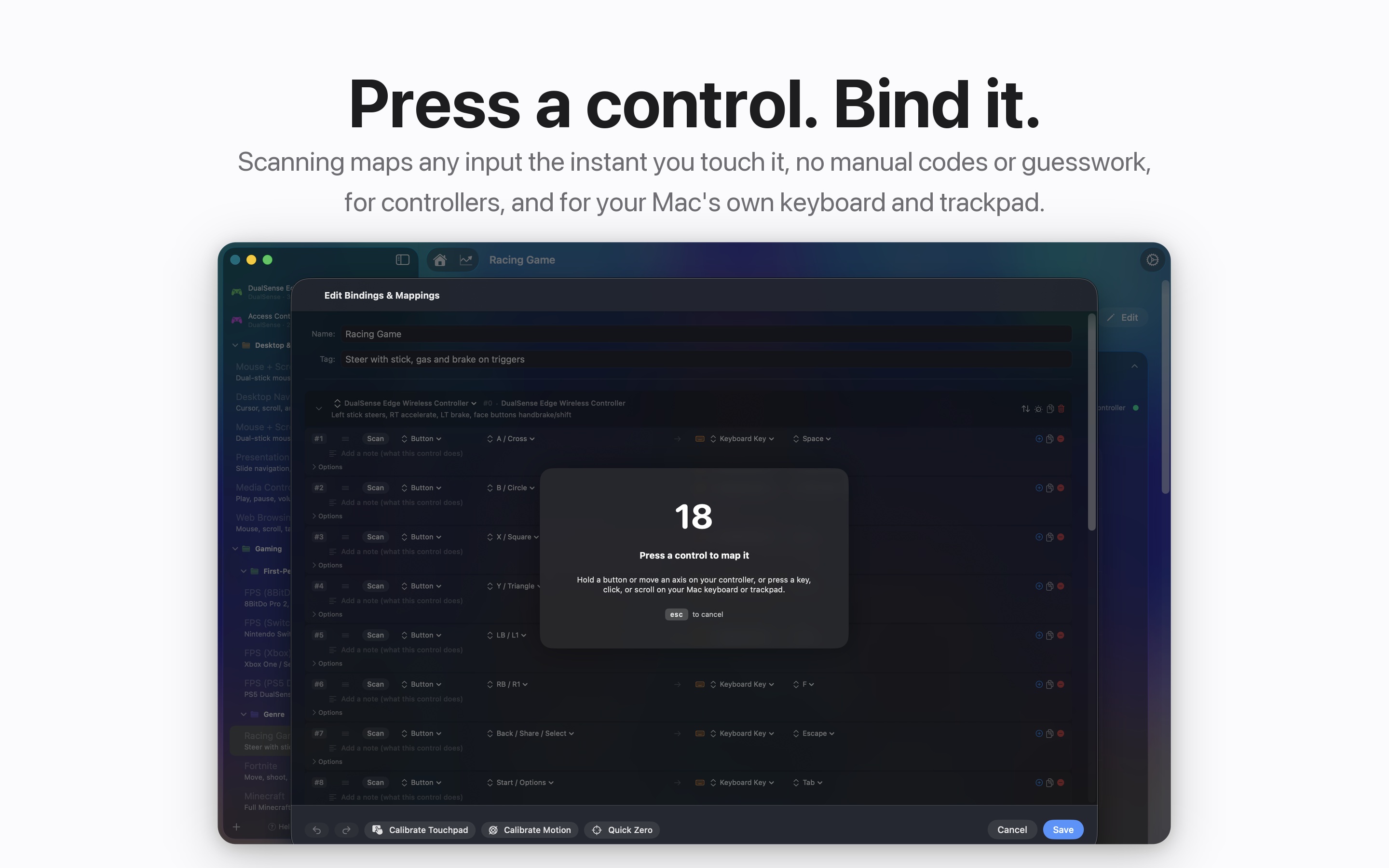
- Scan to bind. Hit Scan, press the control, assign the output. No hunting through lists.
- Macros, turbo, and toggle mode. Record sequences with custom timing, including chord steps that hold one key while tapping others.
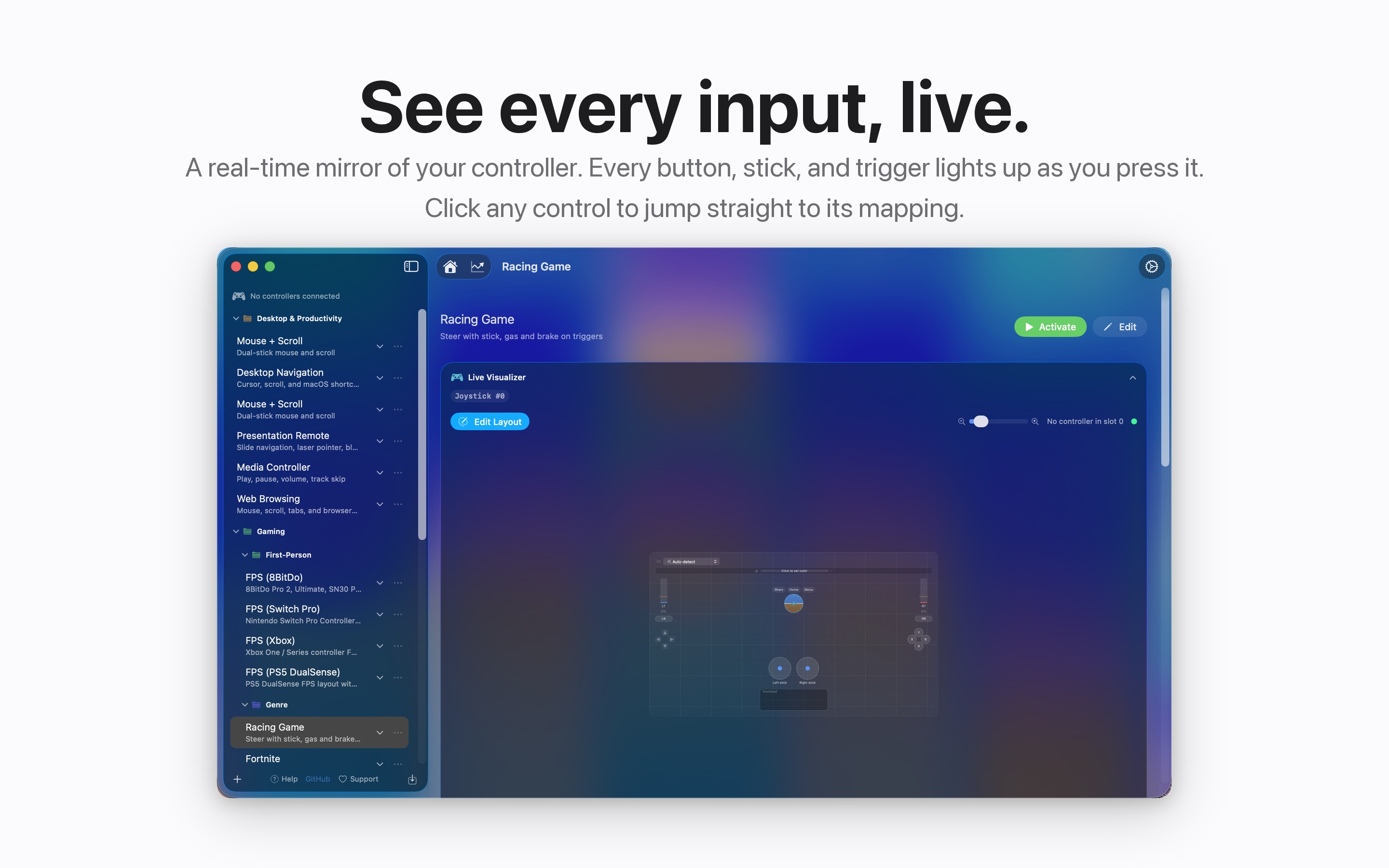
- Live visualizer. Your controller mirrored on screen in real time, with battery, light bar, and an event log.
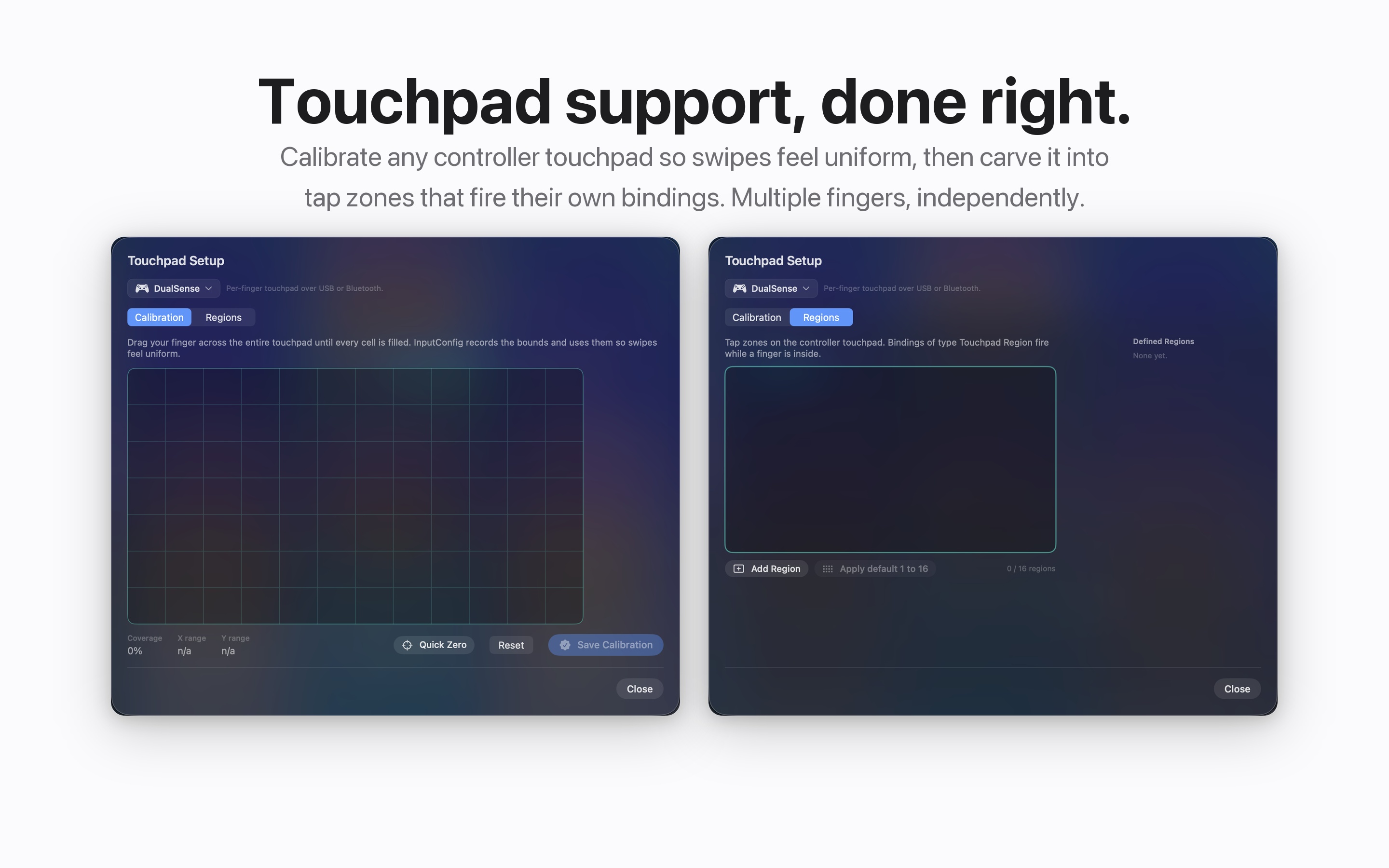
- Zones and gestures. Map cursor zones, stick zones, and touchpad regions to their own actions.
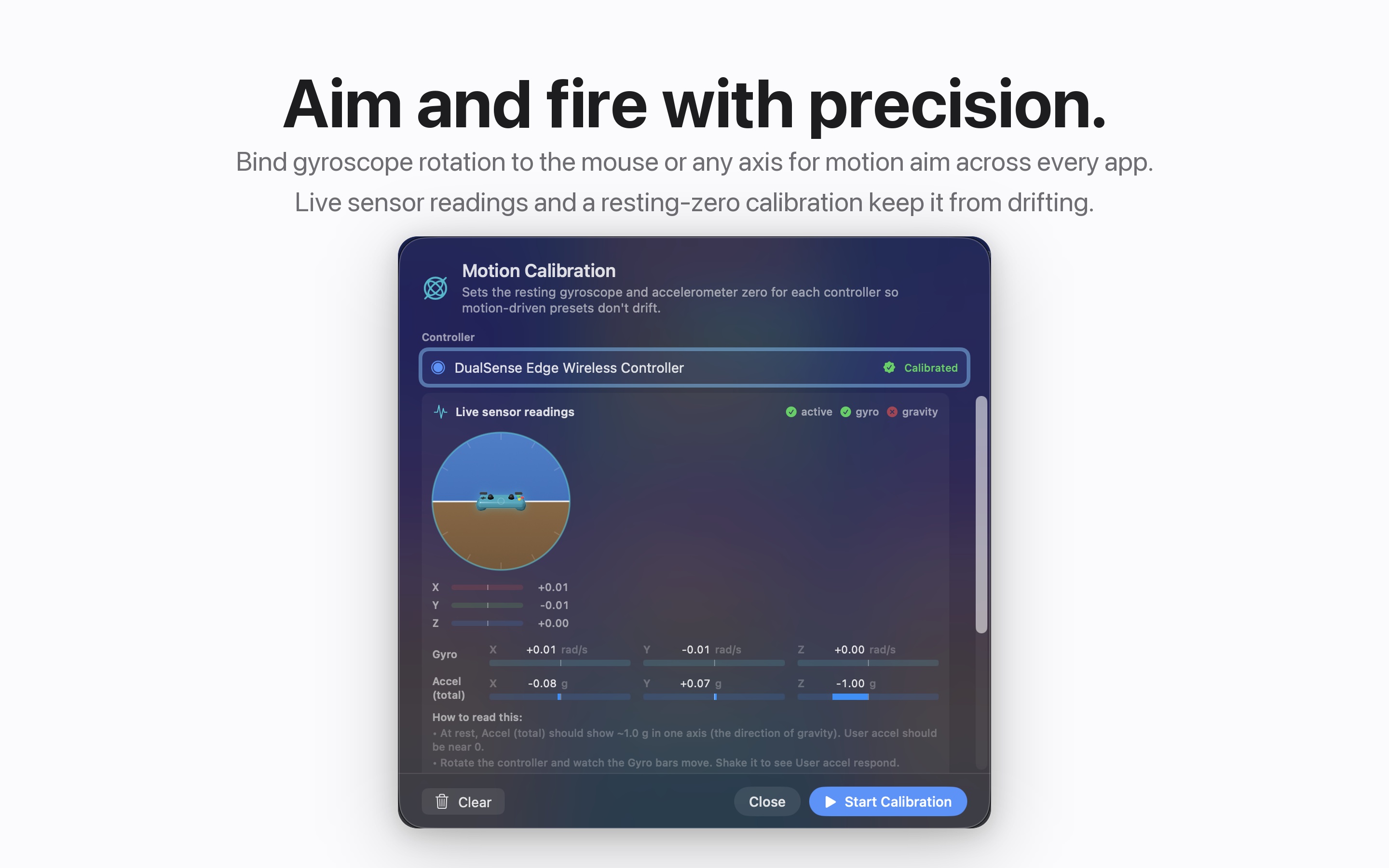
- Motion and feedback. Gyroscope tracking, spoken and haptic confirmation, light bar colors per preset, and lifetime statistics.
- Share your setups. Import, export, and convert presets between controller types.
A closer look
Built for accessibility
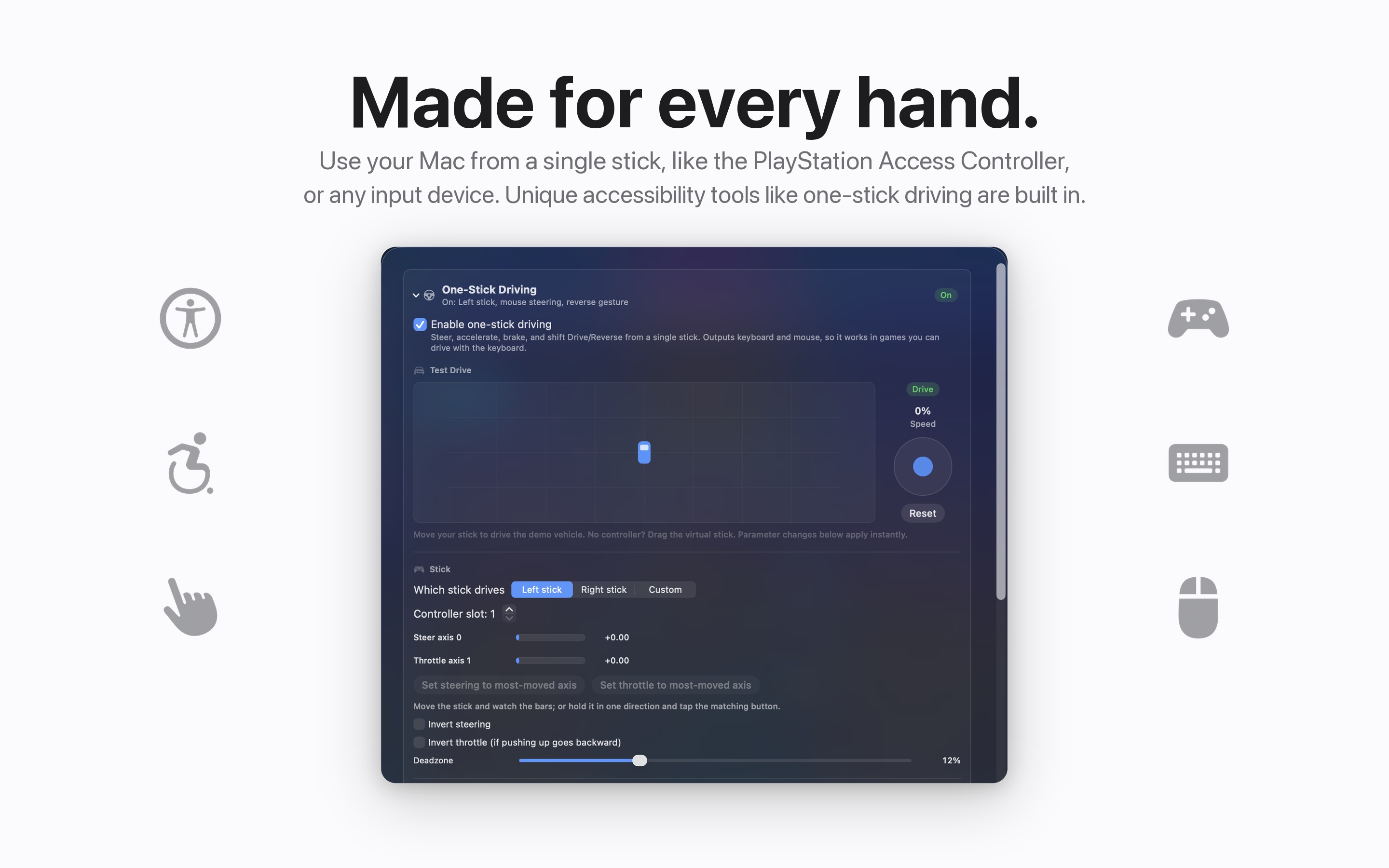
This is the software side of the same problem our joystick toppers solve: the standard input device does not fit every body. If a controller is the device you can hold, press, or mount, InputConfig makes it drive your whole Mac. One-stick driving covers single-stick setups like the PlayStation Access Controller, and spoken and haptic feedback confirm what you pressed without needing to watch the screen.
Download InputConfig free
InputConfig is free on the Mac App Store and requires macOS 14 or later, plus the Accessibility permission so it can type and move the mouse for you.