
YapToText: Free Speech to Text for Mac
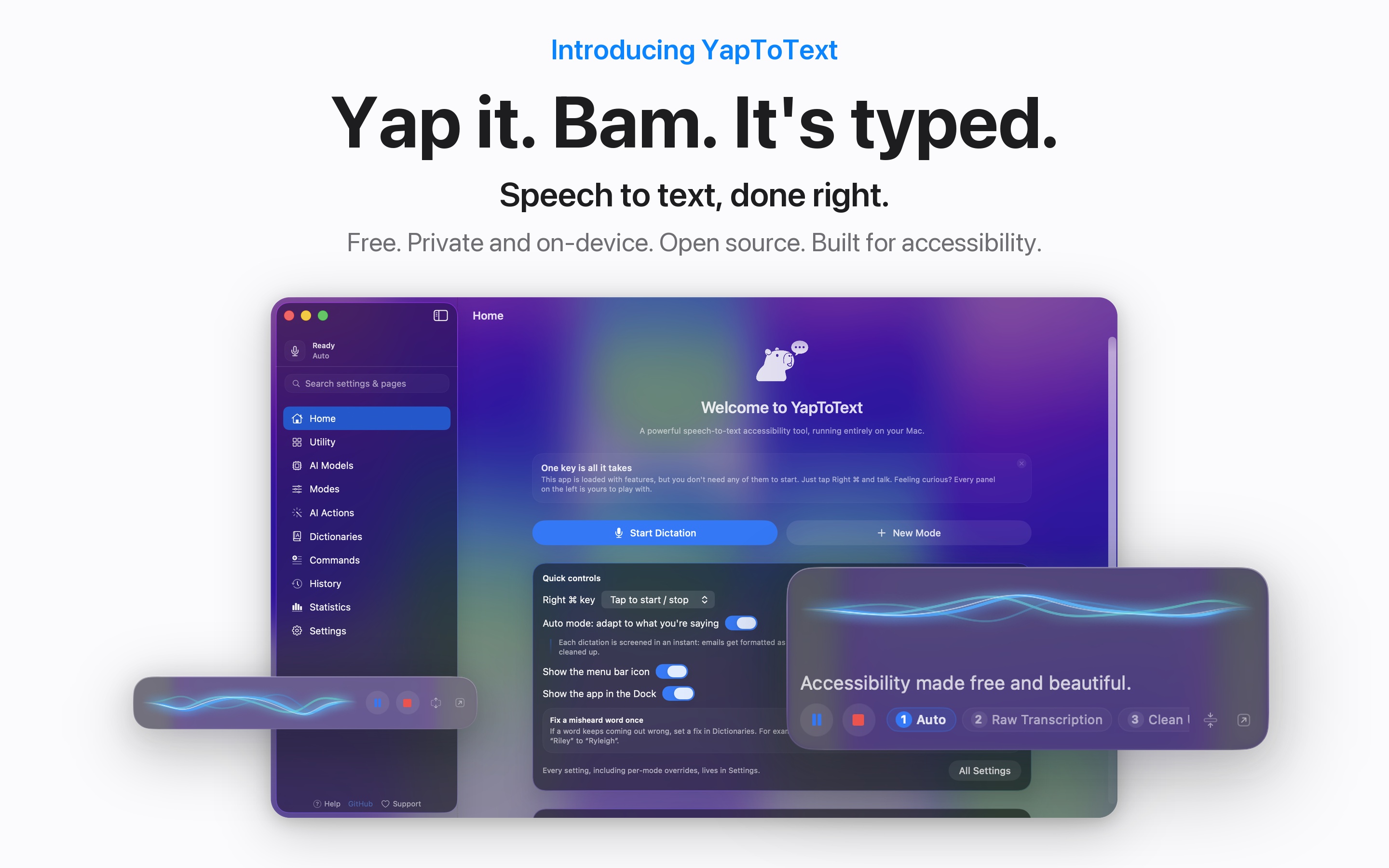
Yap it. Bam. It's typed. Free, open source, private dictation for your whole Mac. Press one key, talk, and your words land wherever your cursor is. No subscription, no account, no cloud.

Why it exists
Our founder built YapToText out of necessity. When your hands make typing difficult, you dictate everything. The good dictation apps all wanted a subscription and sent every word you spoke to their servers. We did not want either, so we made our own, and we are giving it away.
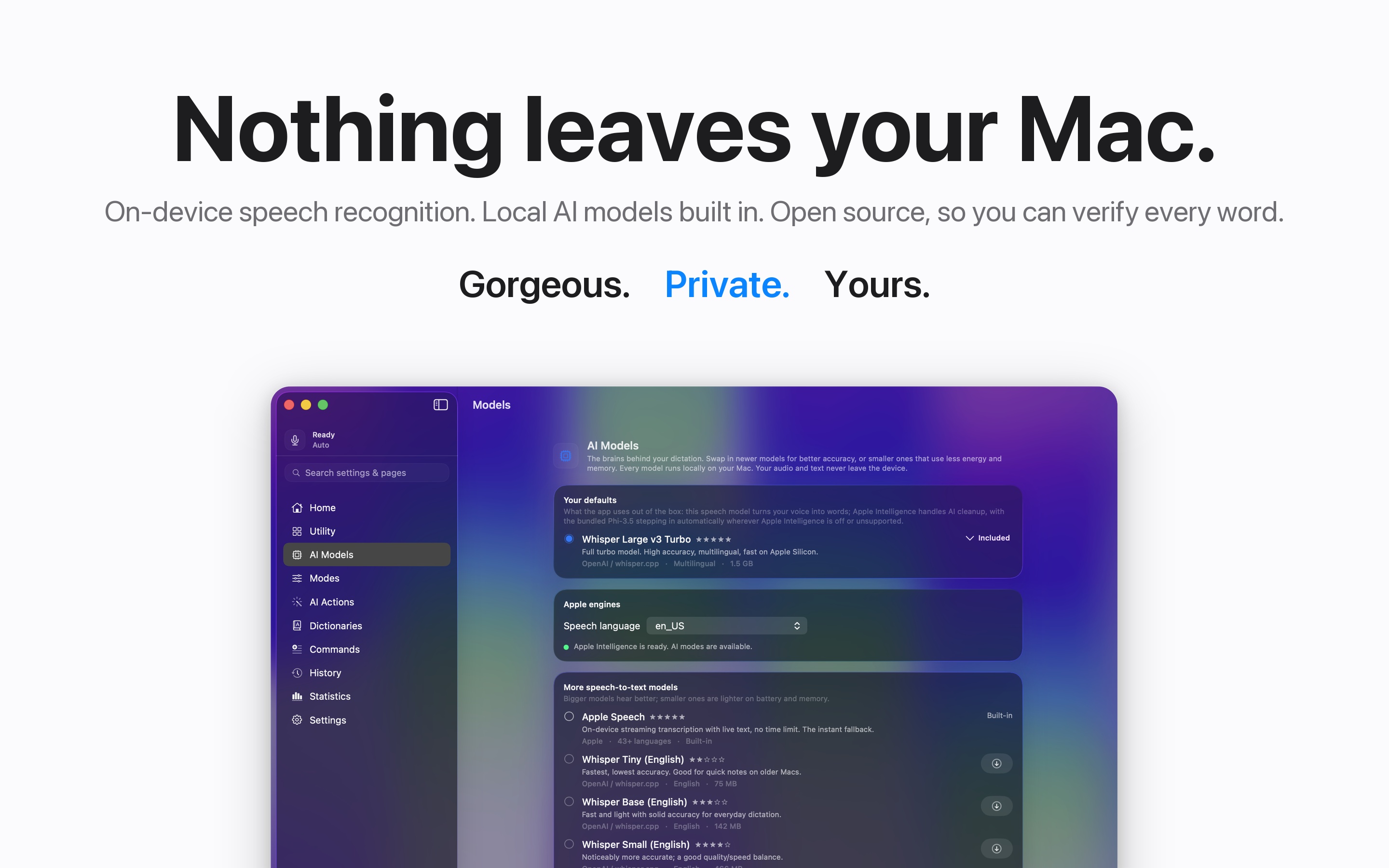
Everything runs on your Mac. The speech model and the AI cleanup model ship inside the app, so it works offline from the first launch. No account, no cloud, no analytics, and audio is never uploaded. The code is public under the GPL, so none of that is a promise you have to take on faith.
See it in action
You talk like a person. YapToText writes like you meant it. Here is what one dictation actually turns into.
Email mode
You say
“hey jordan um can we push tomorrow's meeting to thursday instead I have a doctor thing thanks”
It types
Hi Jordan,
Can we push tomorrow's meeting to Thursday instead? I have a doctor's appointment.
Thanks!
Message mode
You say
“on my way be there in like ten”
It types
On my way, be there in like 10!
Clean Up mode
You say
“so basically the um the printer keeps jamming when when you use the rear tray”
It types
The printer keeps jamming when you use the rear tray.
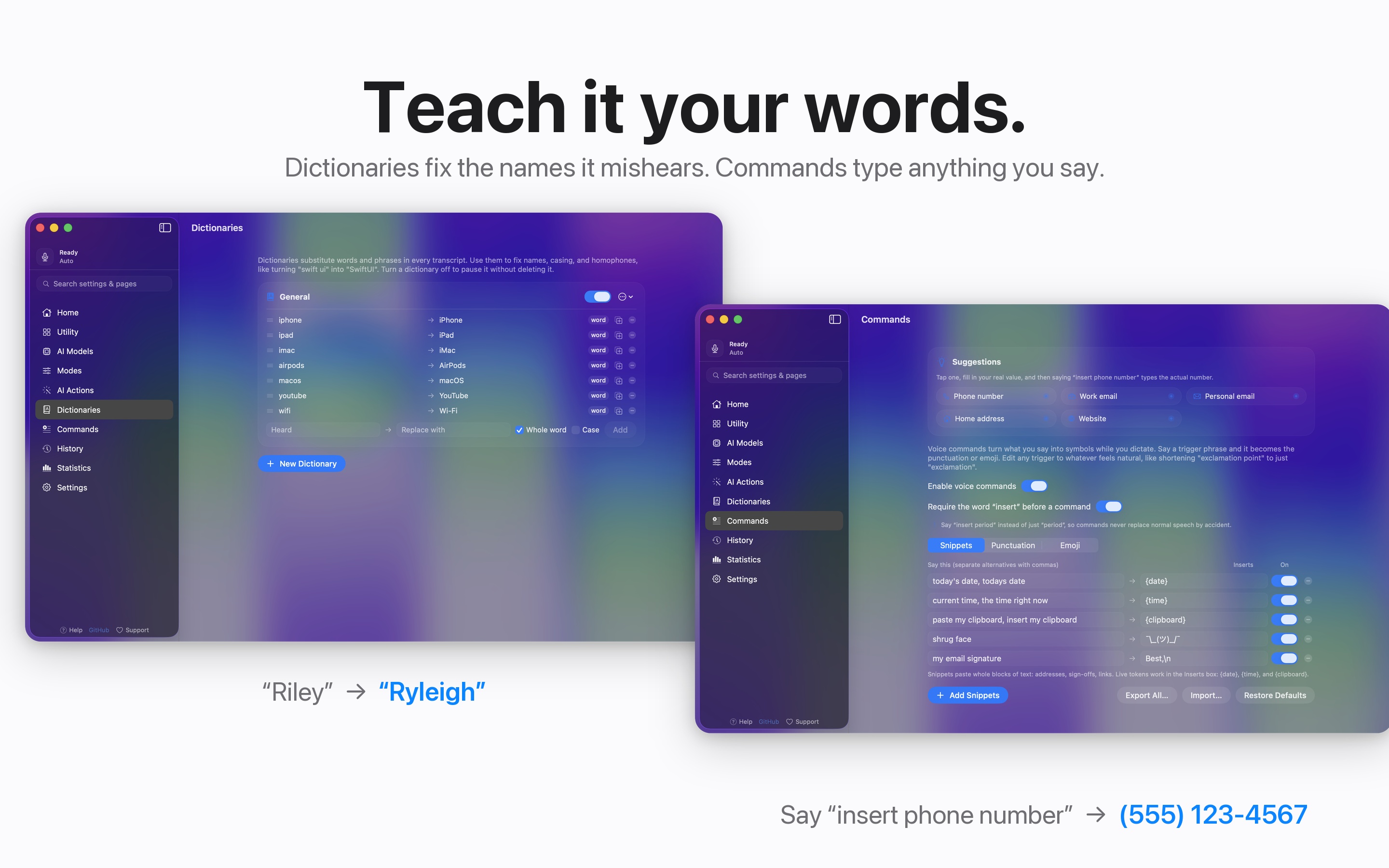
With your dictionary
You say
“the joystick mounts on the permobil armrest”
It types, spelled your way
The joystick mounts on the Permobil armrest.
With a voice command
You say
“insert my work signature”
It types
Your full signature block, exactly as you saved it. Commands can type anything from a spoken phrase.
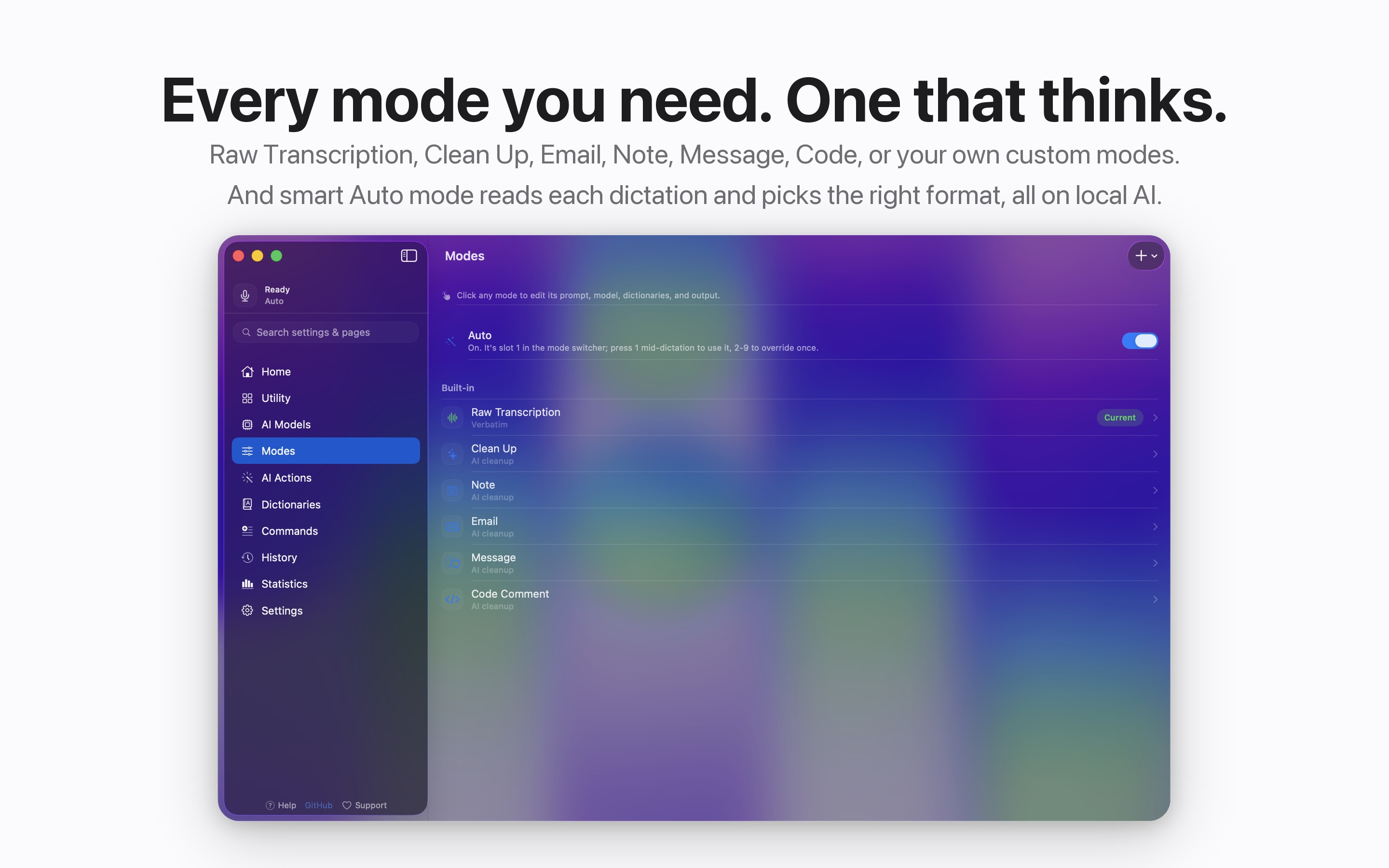
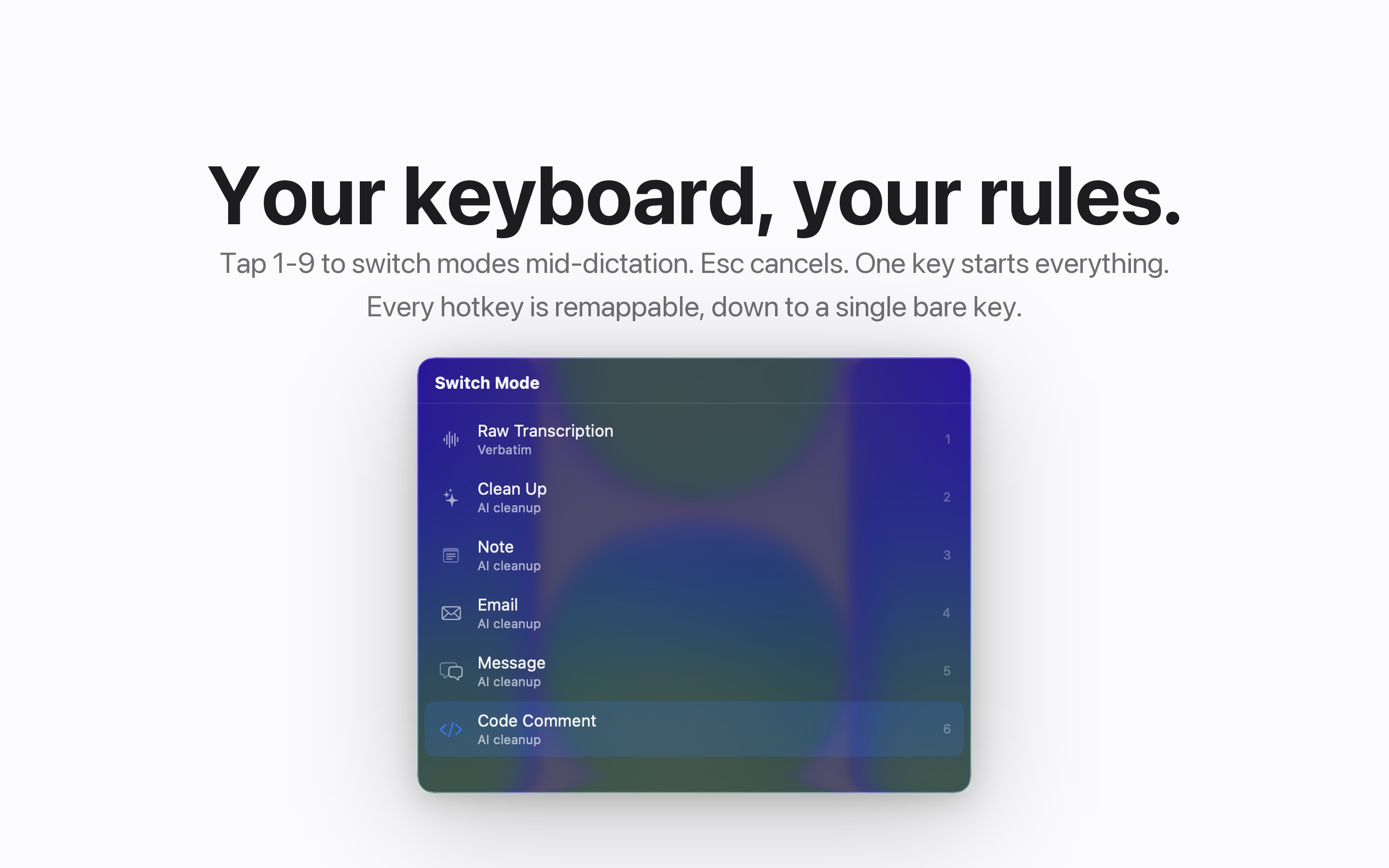
Auto mode makes even the mode choice optional. It reads each dictation and picks the right format on its own, so an email comes out as an email and a quick message stays casual.
Everything it does
- Dictate anywhere. One tap of Right Command starts dictation in any app. Your text is typed right at the cursor.
- Auto mode. Reads each dictation and picks the right format on its own.
- Modes for everything. Raw Transcription, Clean Up, Email, Note, Message, Code, or your own custom instructions.
- Teach it your words. Dictionaries fix the names it mishears. Commands type anything you say.
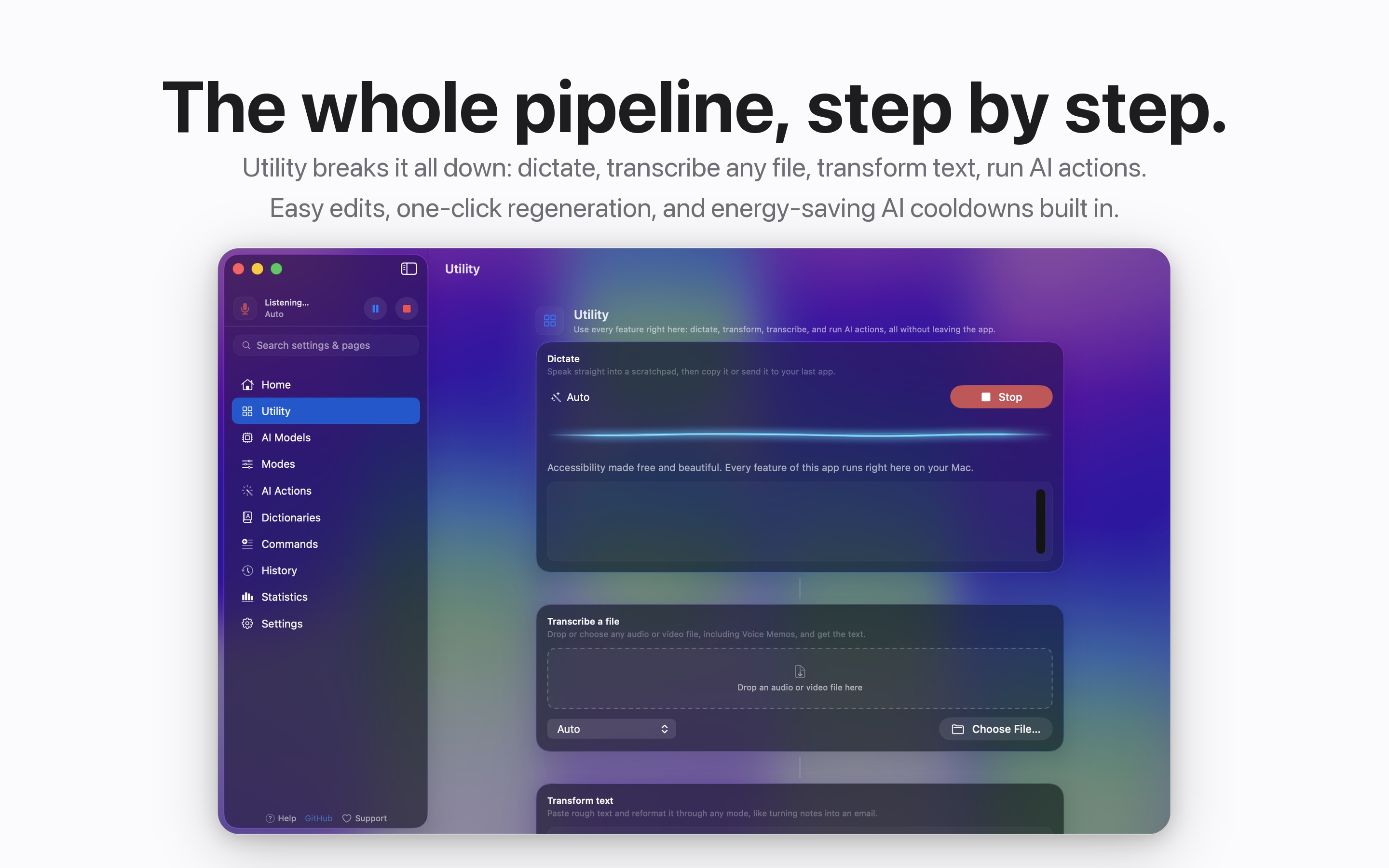
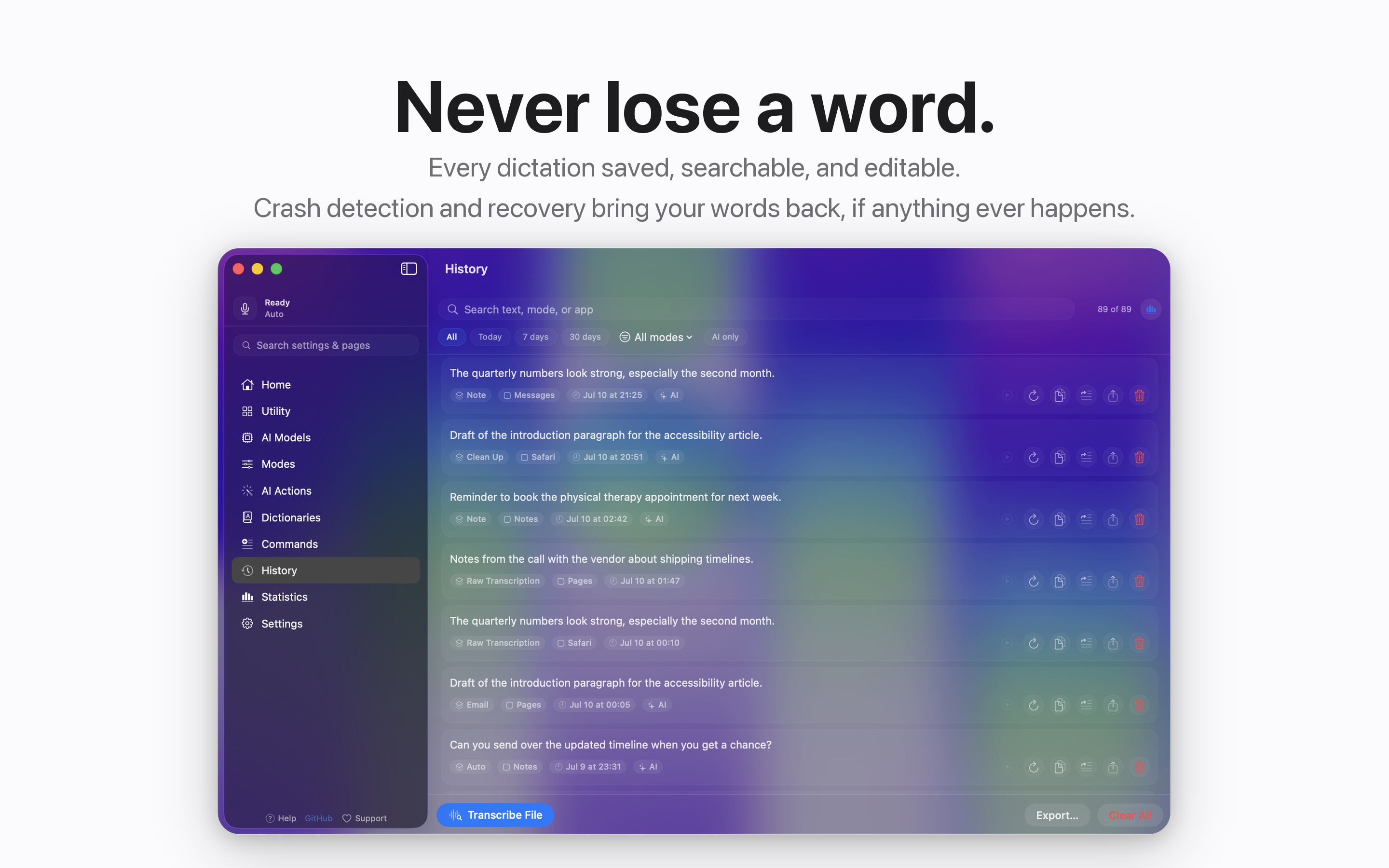
- Never lose a word. Crash recovery rescues interrupted dictations. Full history with playback, search, editing, and export.
- Transcribe any file. Drop in audio or video, get the text.
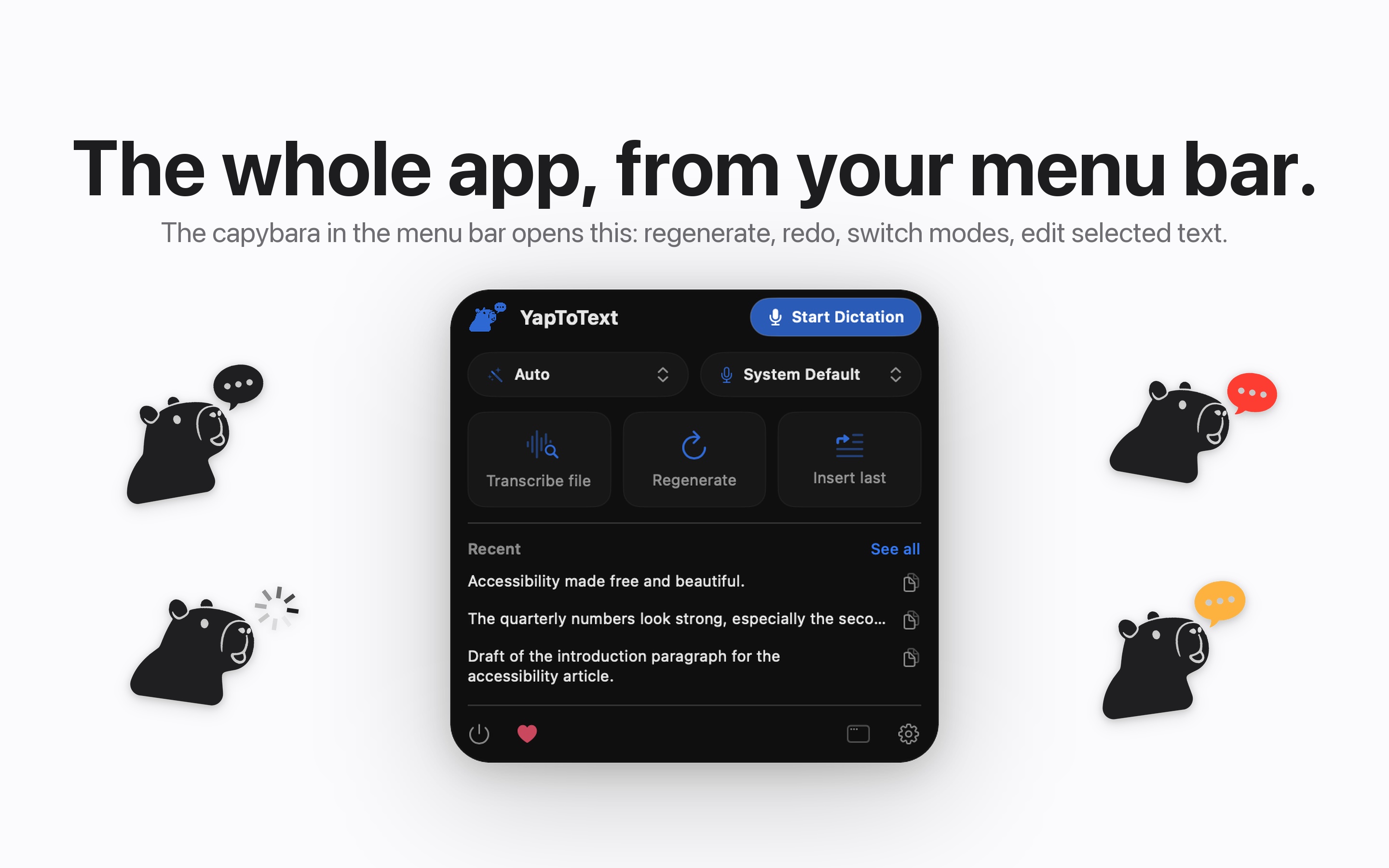
- Menu bar control. Live status, mode switching, and quick edits without leaving what you are doing.
- Open source. Released under the GPL v3, so you can read every line and verify every privacy claim.
A closer look
Built for accessibility
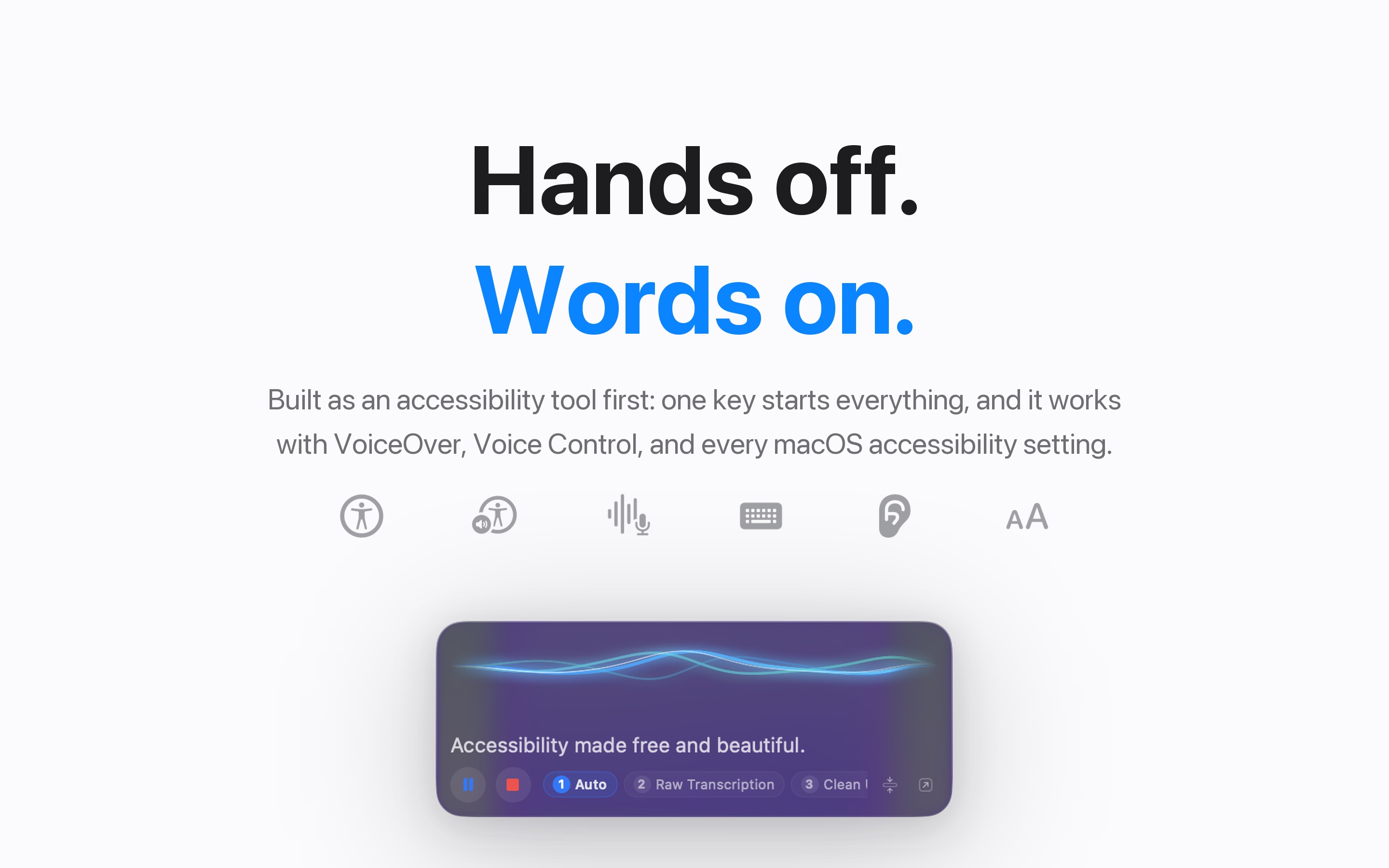
YapToText is designed so dictation can fully replace typing. One key runs everything, it works alongside VoiceOver and Voice Control, and there is no workflow that requires precise pointing or sustained keyboard use. If typing is painful, slow, or impossible, this app is for you.
Download YapToText free
YapToText is free on the Mac App Store and requires macOS 14 or later. AI modes use Apple Intelligence when it is on, or the bundled local model when it is not. Raw transcription needs neither.